React to every handoff.
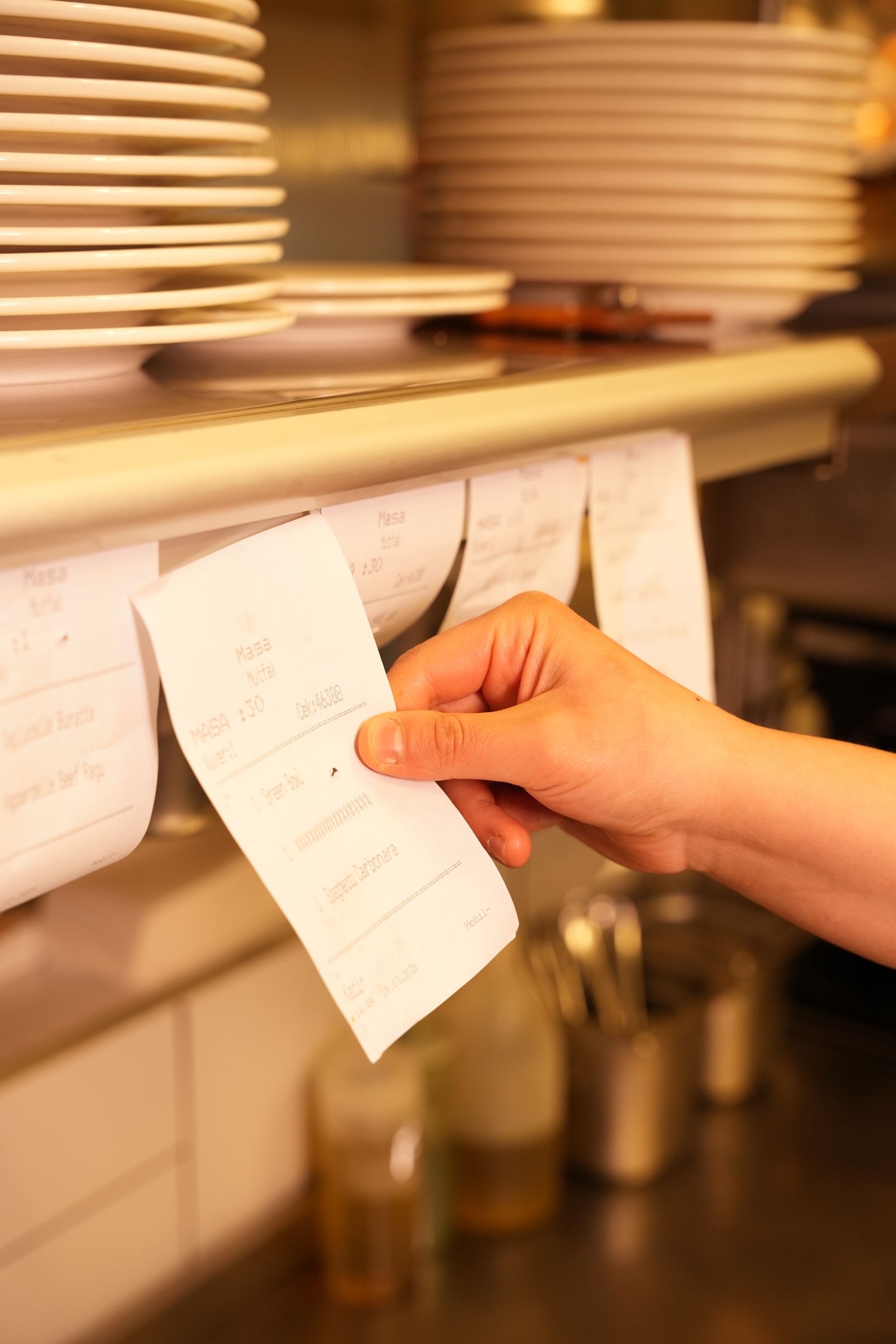
- Tickets move by hand
- Guests must flag staff
- Splits wait until checkout
Q'Up is the premium restaurant operating system that connects guests, floor, and kitchen in real time.
One shared view replaces paper handoffs, missed tables, and end-of-night bill math.
No app, no waving across the room, no awkward bill math. Every screen below comes from the live Q'Up guest journey.
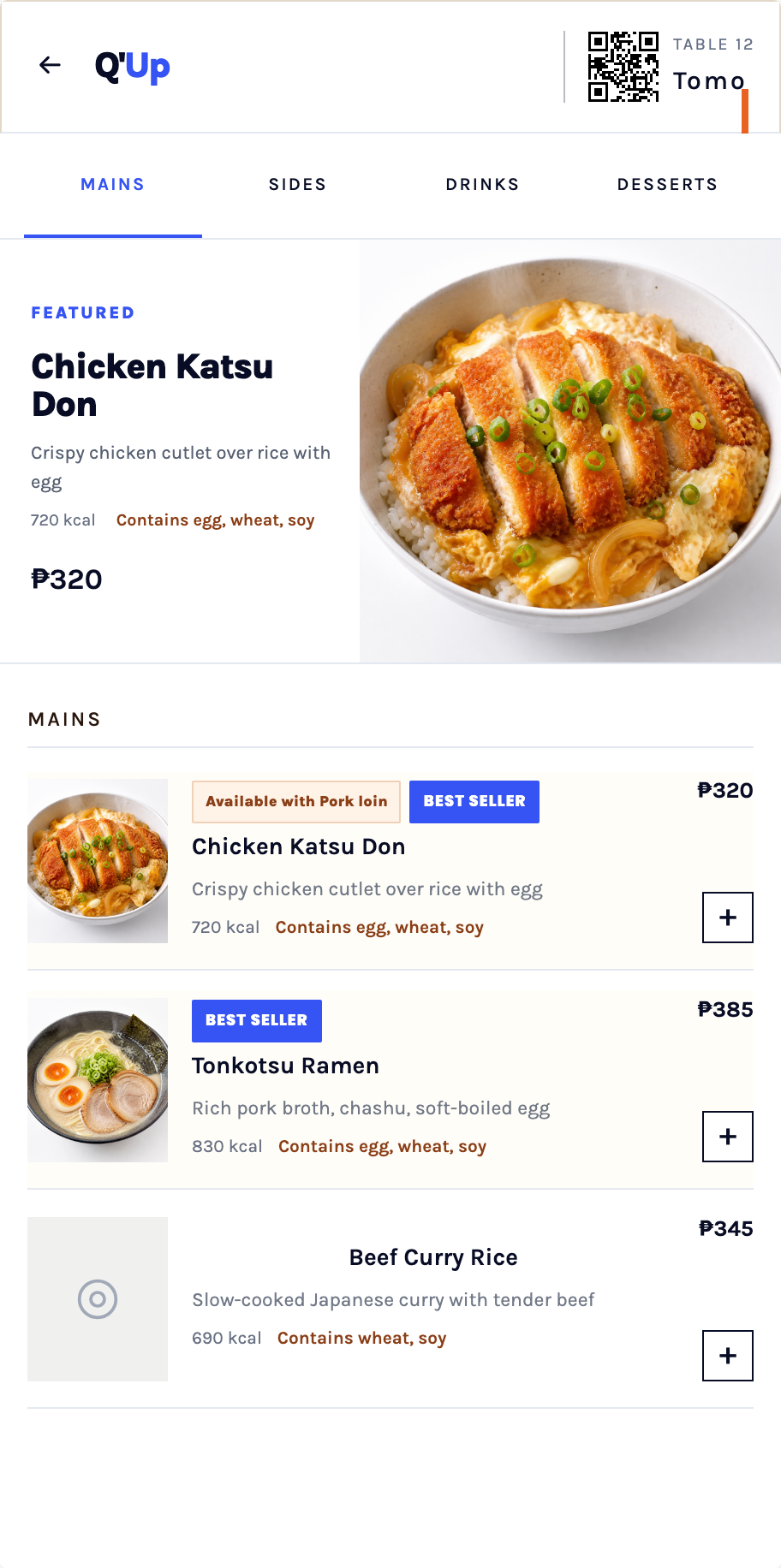
A large table QR opens the right menu instantly. Friends can scan from the table card or from another guest's screen. No download, account, or table number required.
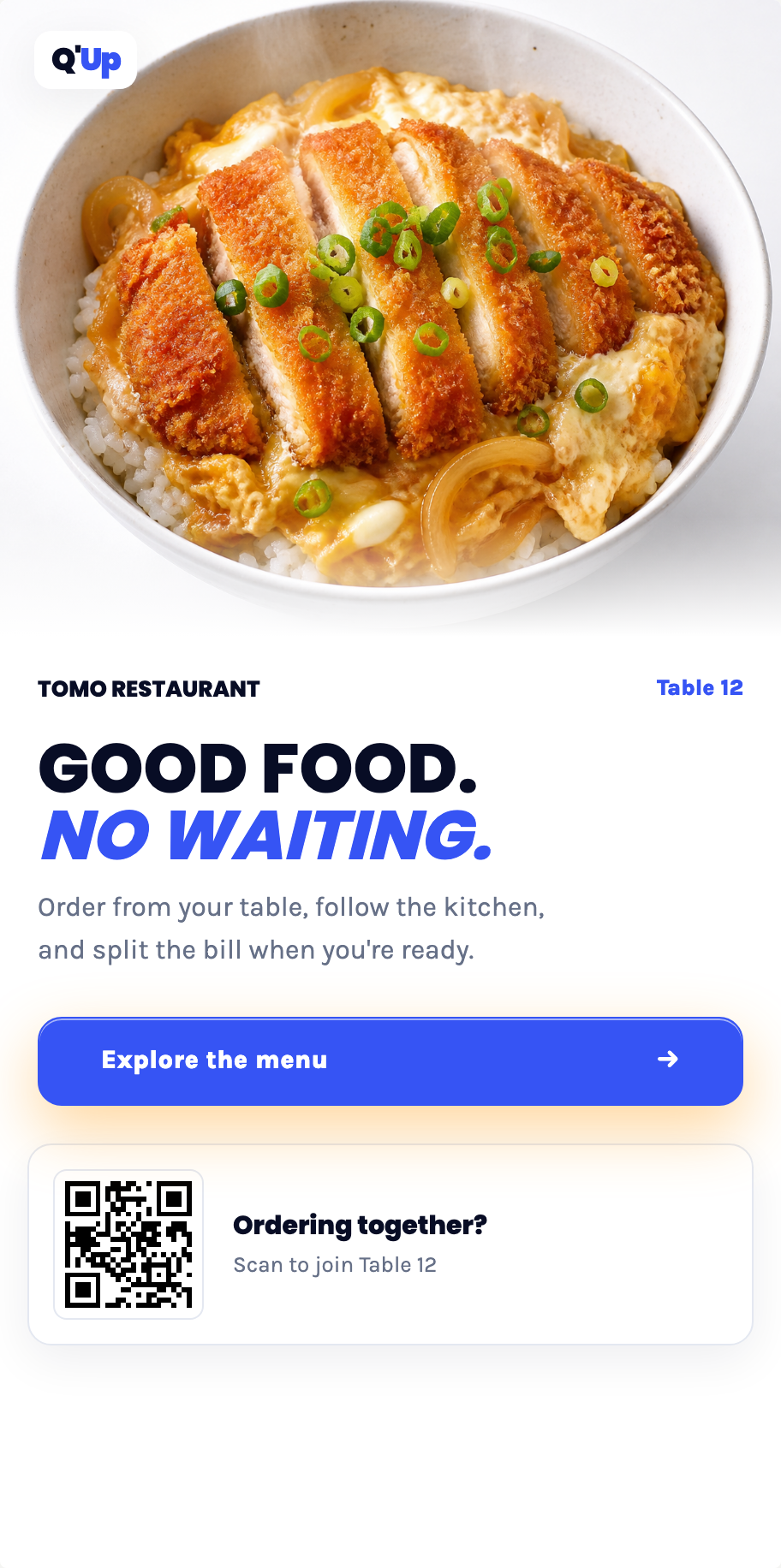
Everyone browses real dish photos and orders from their own phone into one shared table. Another round or one more side takes seconds, without waiting for a menu or server.
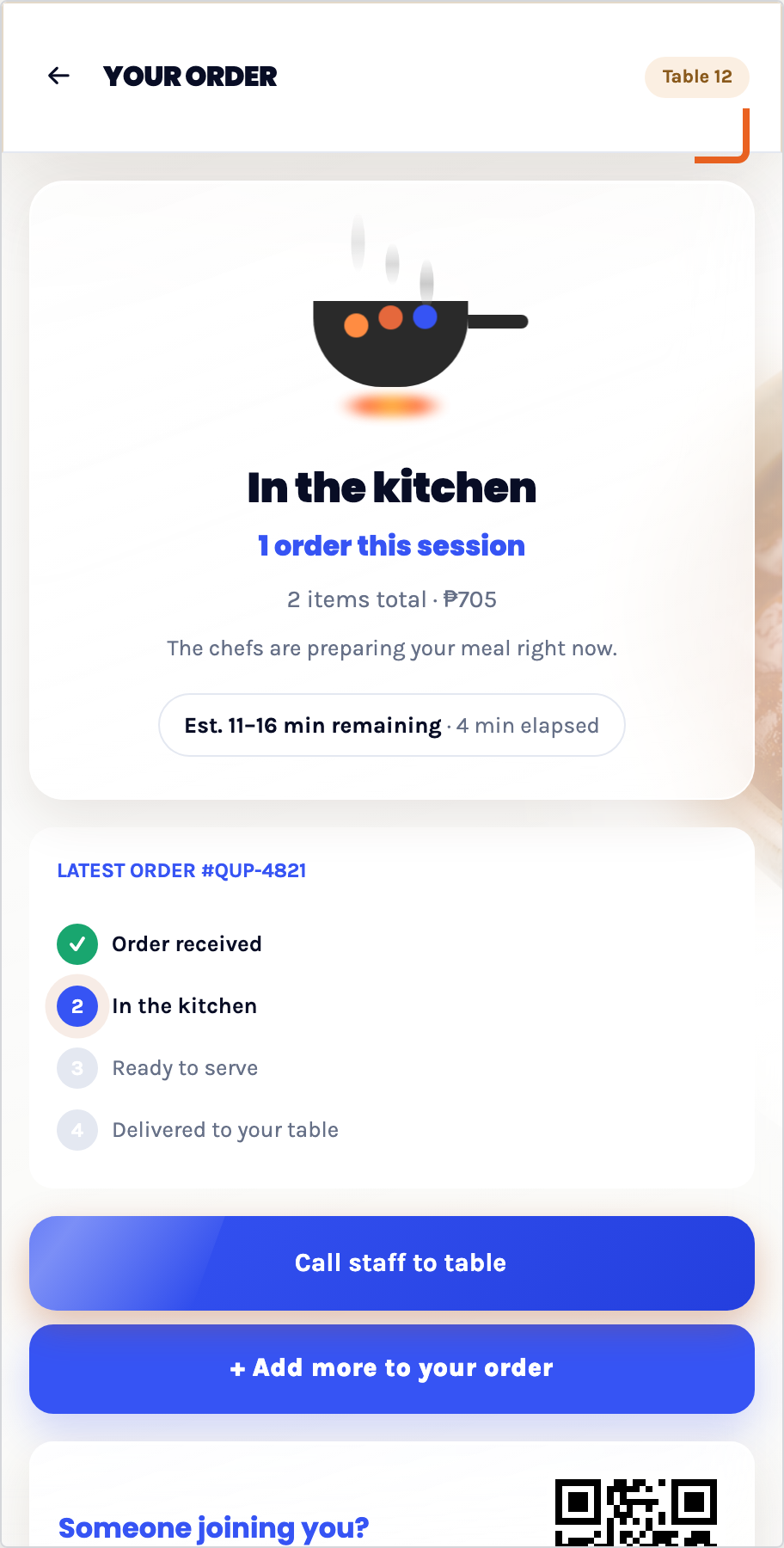
Guests can follow their order, call a server with a reason, and add more without trying to catch someone's eye. They always know what is happening and who is on the way.
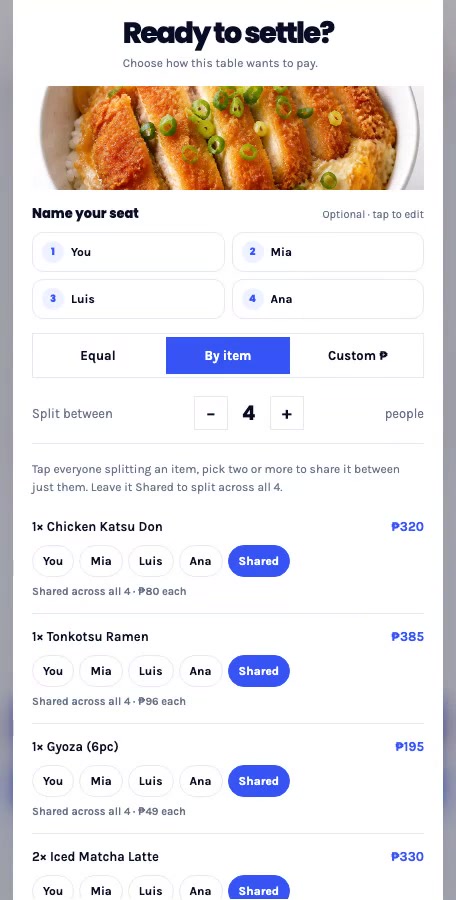
Name everyone once, then split equally, by item, or with custom amounts. Each guest sees exactly what they owe before the request reaches staff. No calculator or awkward discussion.
While guests enjoy the meal, Q'Up gives the floor, kitchen, managers, and owners one shared operating picture, from opening prep to the final POS handoff.
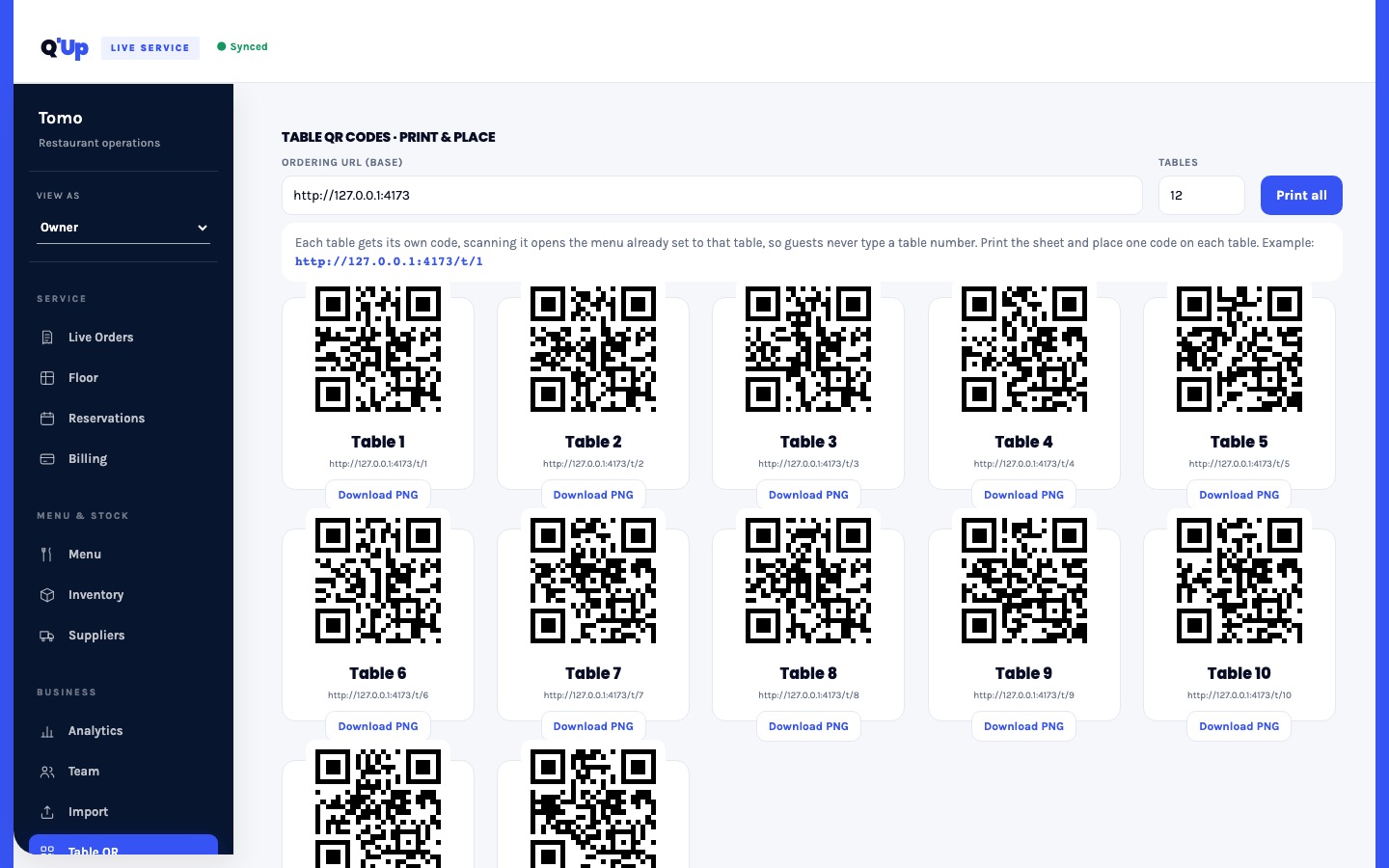
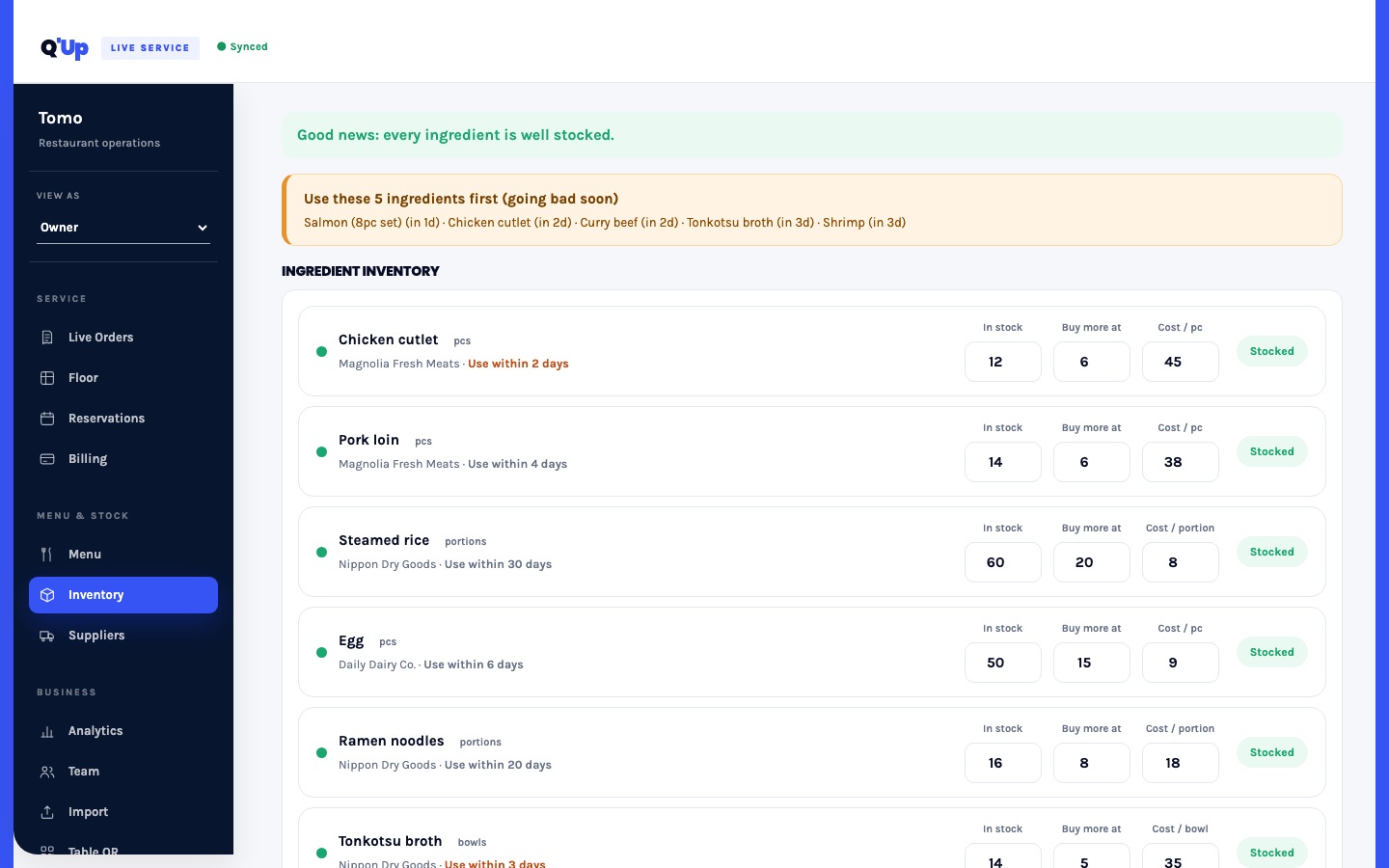
Build the menu, generate every table QR, place reservations, and catch low or expiring stock before the first guest sits down. Supplier needs are visible before they become tonight's problem.
Orders and add-ons fire directly to the kitchen while the floor updates itself. Staff see what is new, cooking, ready, calling, waiting, or requesting a bill, without shouting or repeatedly walking the room.
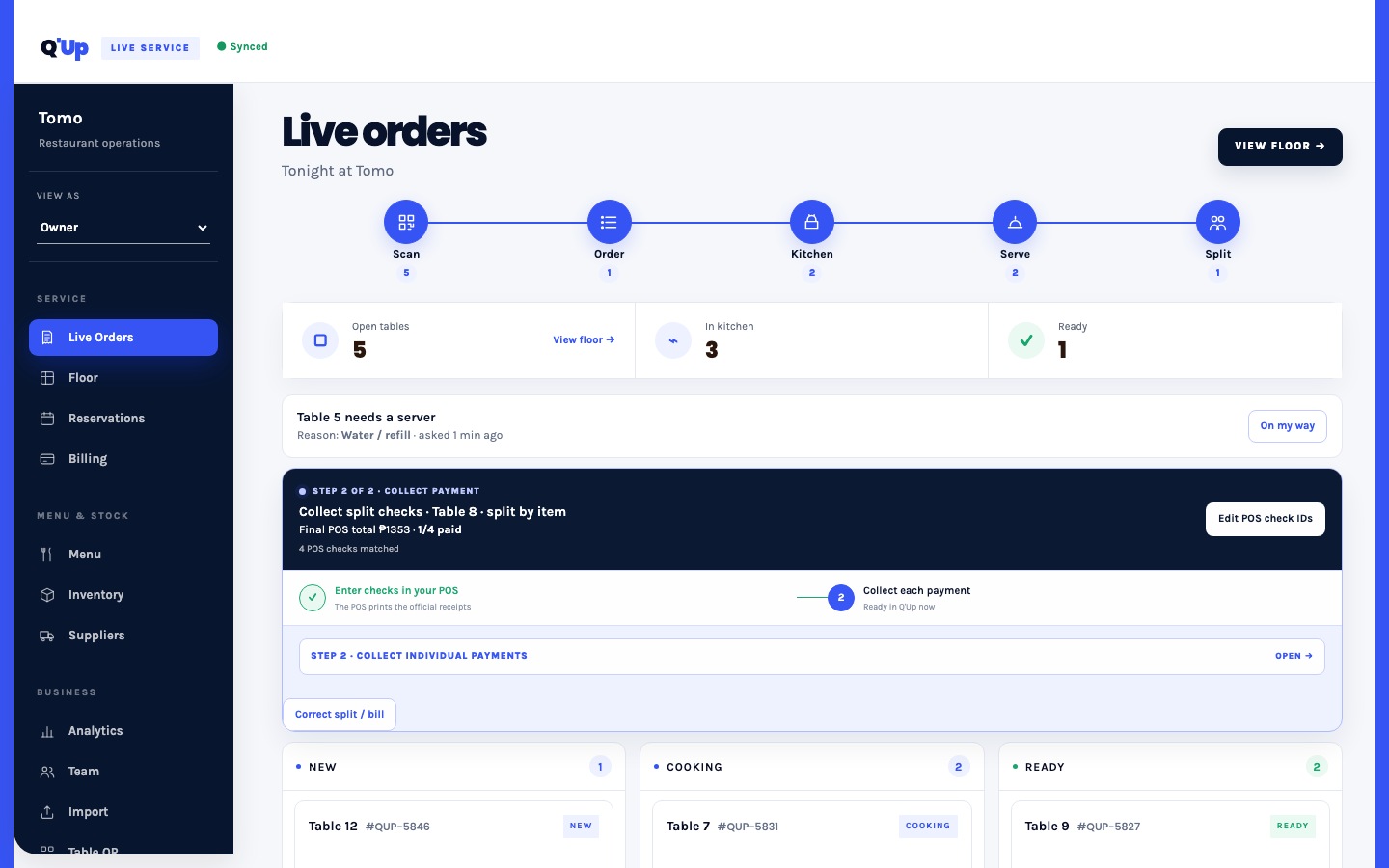
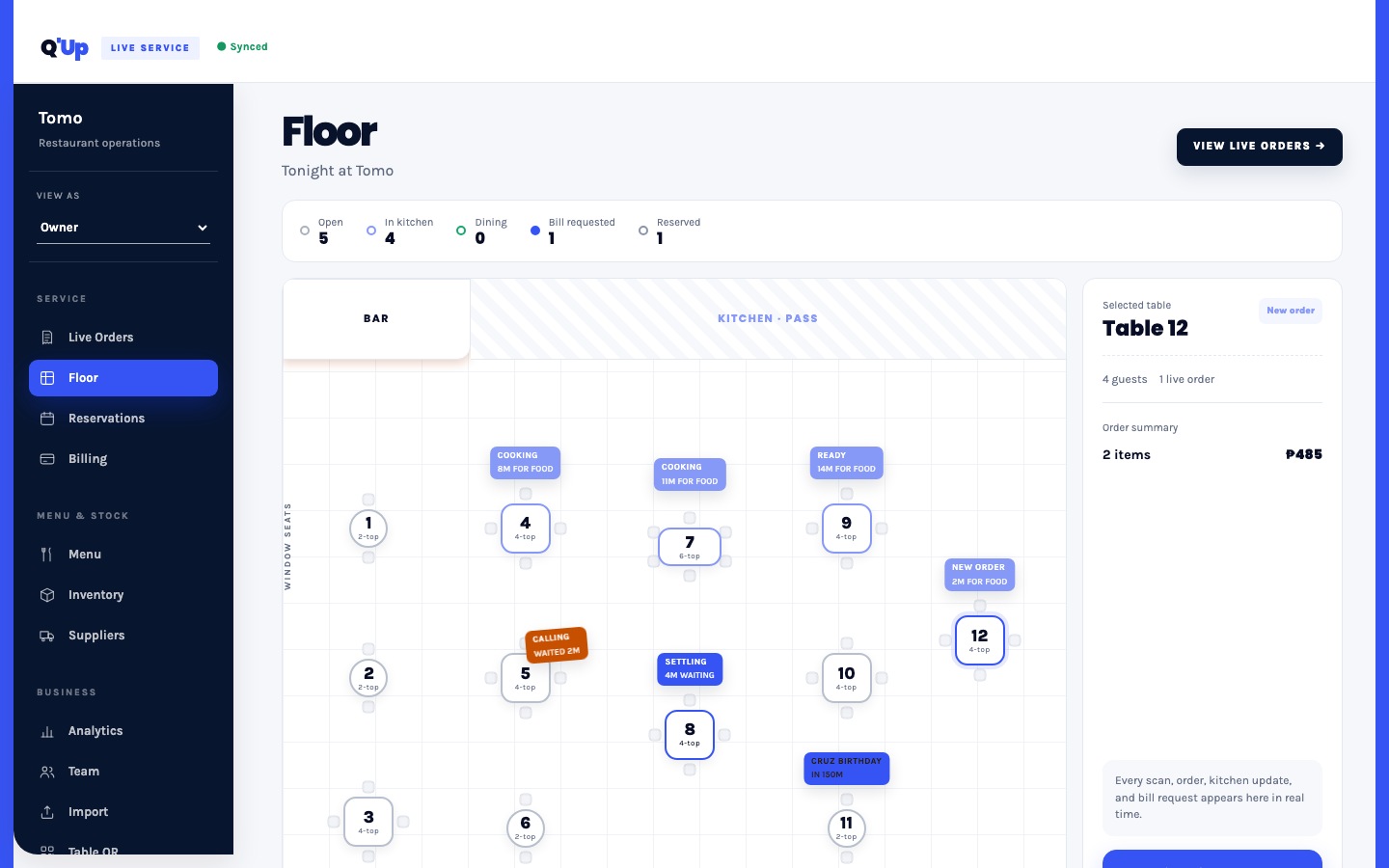
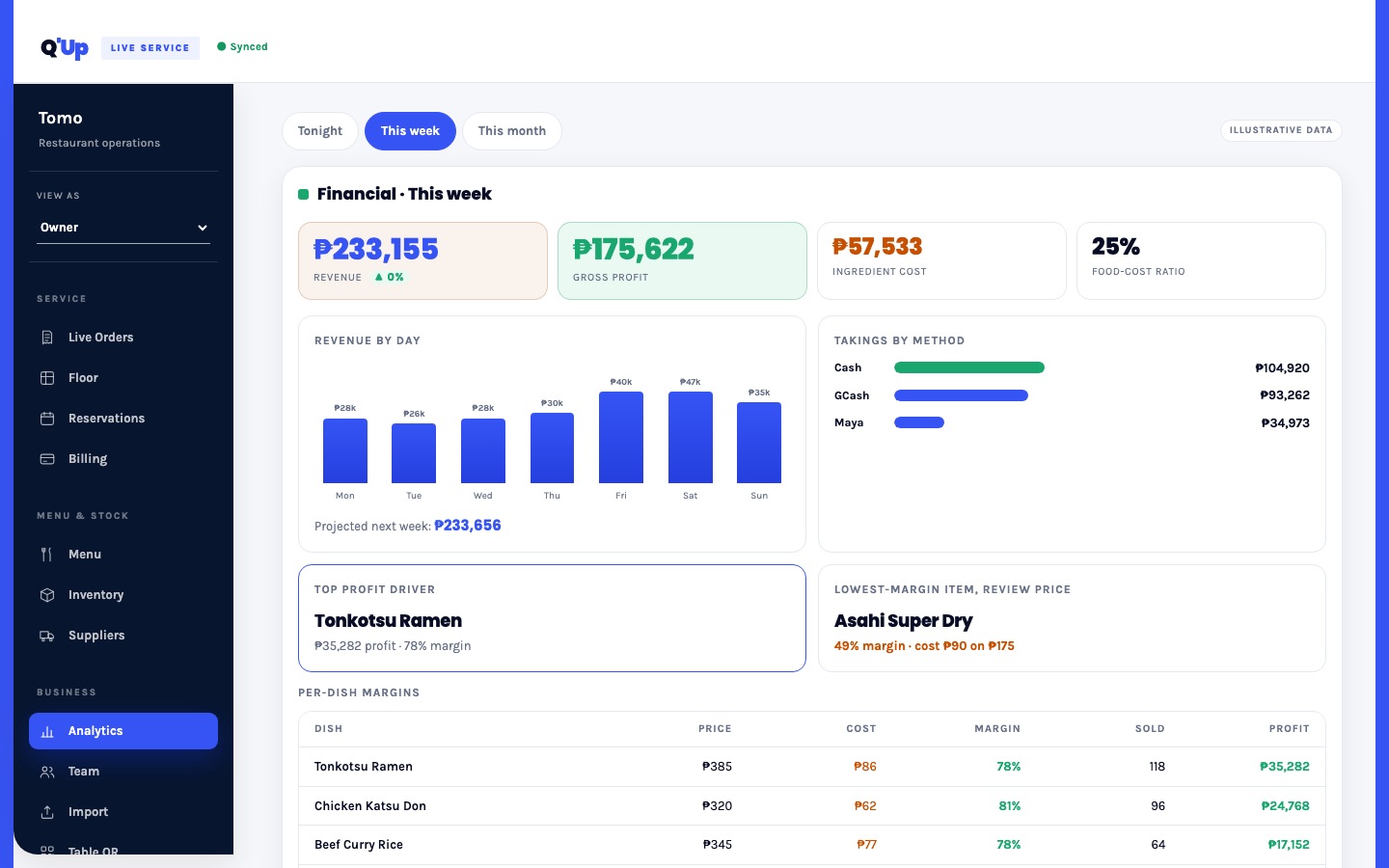
See revenue, margin, best sellers, ingredient cost, and stock movement in the same place service happened. Role-specific views keep each person focused, while guided POS handoff preserves your official receipt workflow.
One connected service loop for guests, staff, and owners. Your existing POS remains the official billing and receipt system.
What's actually in the dashboard behind that one QR code.
Your POS remains the official billing and receipt system. Q'Up prepares the named split and guides staff through matching each POS check before collection.
Menu setup, table QRs, and role onboarding happen before launch, around the way your team already works.
We begin with a connectivity check. A dedicated tablet data connection can keep the service screen independent of guest Wi-Fi.
Guests scan in the browser with no account or download. Staff see only the actions relevant to their role.
Illustrative pricing, adjusted to your restaurant during onboarding.
For one small dining room finding its feet
Everything a full-service floor runs on
For more than one location, run from one place
Prototype pricing shown for illustration. Final pricing is set with each restaurant during onboarding.
Every screen on this page is running in the actual product. Open it, scan a table code, and place a real order through to the kitchen board.
Open the live demo →